Clear on the call. Private around it.
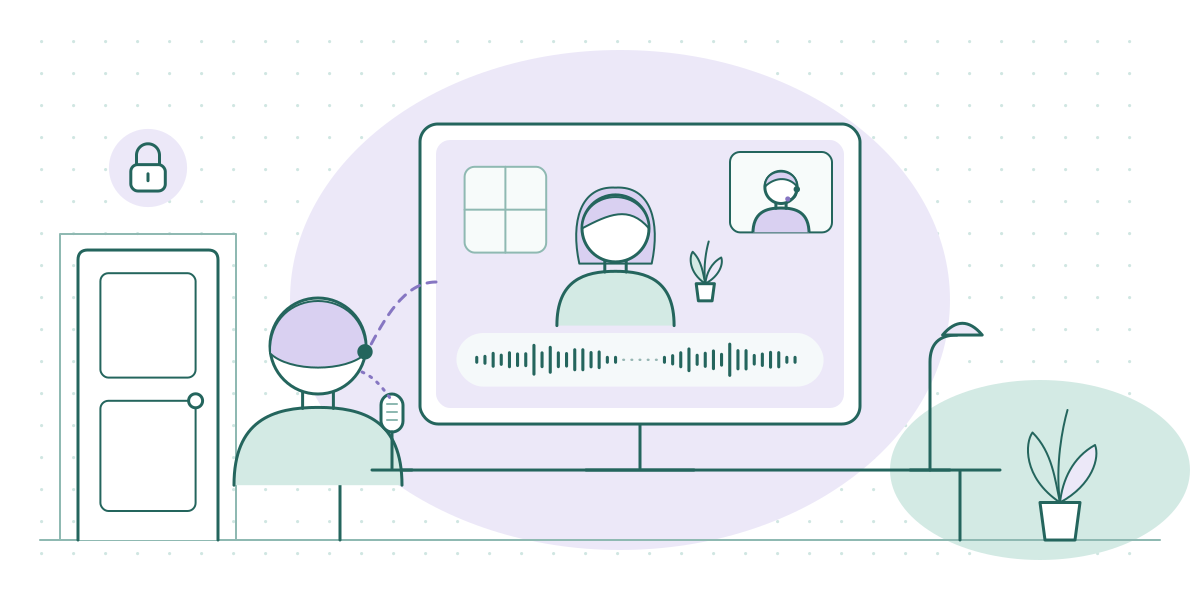
Drawn for this site: an invented video visit, not any real platform. The padlock stands for the privacy of the room and the audio path — it is not a certification, and SessionSound certifies nothing.
Read the core guideThe two-minute check
Session audio has two jobs, and most audio advice only talks about one of them. Your client needs to hear you — steadily, warmly, without the garble that makes a hard conversation harder. And the people outside the conversation need to hear nothing at all. SessionSound exists for the clinicians, counselors, and coaches who carry both jobs at once.
We write technology guidance for people who hold confidential conversations for a living: therapists in a rented office with a thin door, counselors seeing clients over telehealth from a spare bedroom, coaches whose calls contain other people's careers. Our ground is narrow on purpose — the audio path of the session itself, the sound-privacy customs practices have built around their doors, and what telehealth platforms and audio tools actually publish about how they handle your sound.
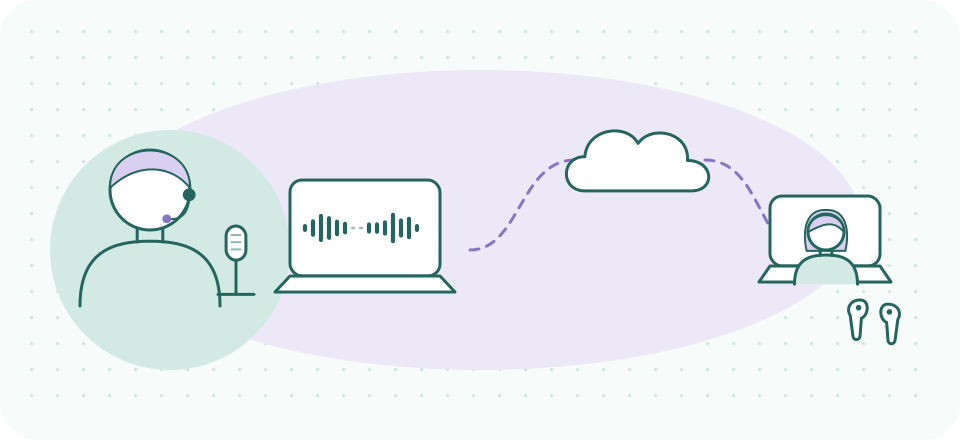
Job one: your client hears you
Job two: outside the conversation, nothing
What we are not. SessionSound is technology guidance only. Nothing on this site is medical, clinical, legal, or compliance advice. When we report a vendor's compliance claims — HIPAA language, BAAs, certifications — we report what the vendor publishes, with a date, and the decision about whether it satisfies your obligations belongs to you and your compliance counsel.
Start here
The two sides of session sound
Telehealth audio quality
The full guide: why session audio fails differently than meeting audio, what actually moves clarity, and the order to fix things in.
Read the guide →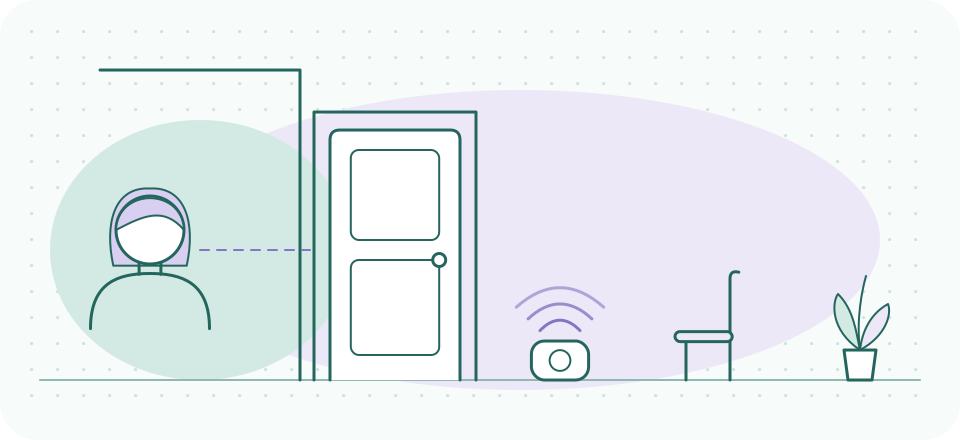
Sound masking at the door
The white-noise-outside-the-door custom: where it came from, what it can and cannot do, and how practices actually set it up.
Read the guide →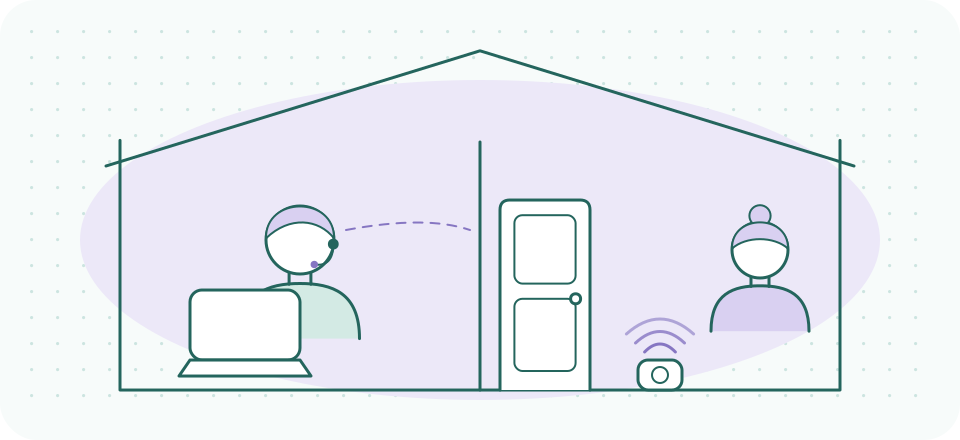
Sound privacy at home
Seeing clients from home means your household is your waiting room. What keeps the session inside the room — in both directions.
Read the guide →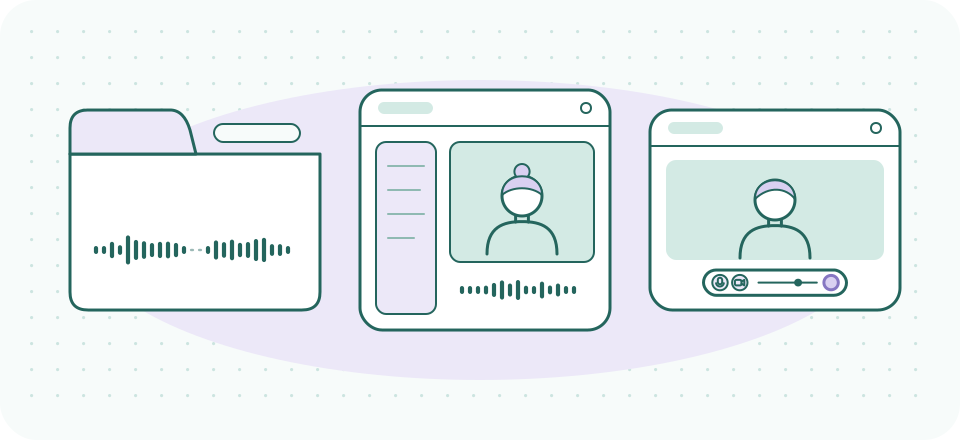
Platform audio, compared
Doxy.me, SimplePractice Telehealth, Zoom's healthcare offering: what each publishes about audio handling and where the limits sit.
See the landscape →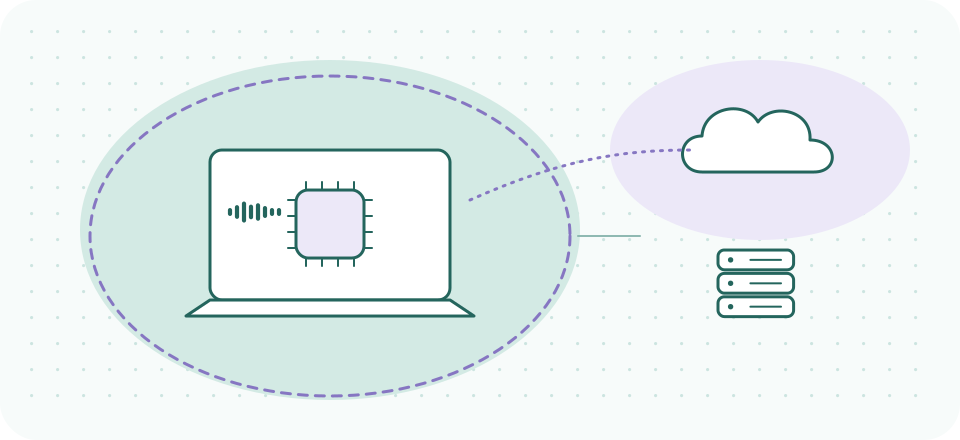
Where your audio goes
On-device versus cloud processing, in plain language — and why the distinction matters more in a session than in a stand-up.
Understand the path →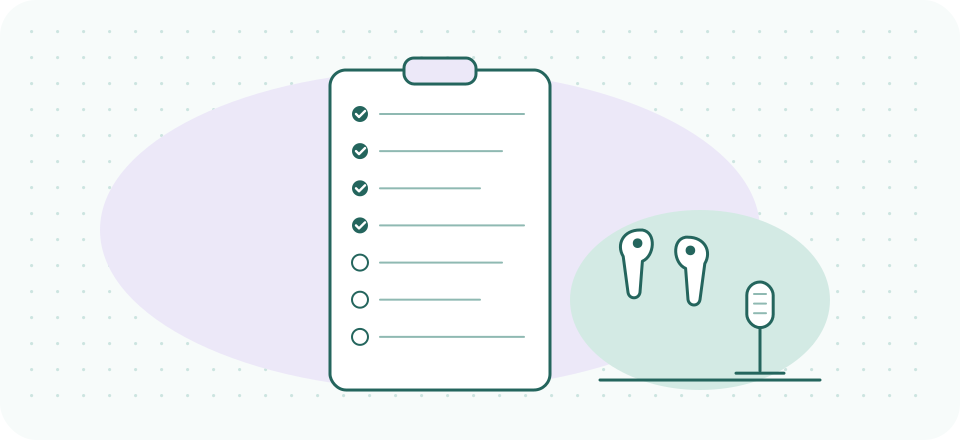
The two-minute check
A pre-session audio routine you can run between clients without breaking stride. Print it, tape it to the monitor, done.
Get the checklist →Why session audio is its own subject
A sales call survives bad audio. A session often doesn't — not because the words are lost, but because the texture is. Tone, hesitation, the half-second before an answer: that is clinical information, and it is exactly what cheap audio paths throw away first. Aggressive compression flattens affect. Over-eager noise gates clip the first syllable after a silence — and sessions are full of silences. A client deciding whether to say the hard thing does not need to hear you turn into a robot mid-sentence.
The privacy side is just as specific. Office workers worry about sounding unprofessional; you carry an actual duty of confidentiality. That duty is usually discussed in terms of records and platforms, but it walks through the air too — through the door to the waiting room, through the wall to the next office, through your home to whoever shares it. Practices have built real customs around this, the white-noise machine humming outside the therapy door being the most familiar. We cover those customs as what they are: practice management, not a clinical standard, and worth doing well if you do them at all.
And because the tools in this space now include AI — noise suppression, transcription, note-taking assistants — we pay close attention to a question most audio sites never ask: where does the audio physically go while the tool works on it? For a confidential session, that question is not paranoia. It is the whole game.
How we work
Everything here is written by the SessionSound desk against vendor documentation and the live web, with verification dates printed on any page that states a price, a limit, or a compliance claim. We do not invent testers, we do not fabricate benchmarks, and we say plainly when something is outside our competence — clinical practice, law, and your compliance posture being the standing examples. Our about page spells out the policy, and the small print covers the rest.
A few of our links are referral links, and each one is labelled where it sits. Plenty of what we recommend pays us nothing — the built-in noise suppression already inside your telehealth platform being the first example, and usually the first thing we tell you to try.
The one tool we name most
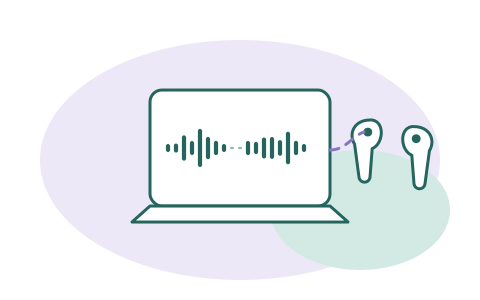
When a platform's built-in audio processing isn't enough — a shared apartment, a thin-walled office, a client on a phone in a car — Krisp adds a dedicated noise-suppression layer that runs on your machine — its security documentation describes the app as operating locally, and the noise cancellation itself as on-device (read 2026-09-20). It has a 7-day free trial; paid plans start at $8/month billed annually (checked 2026-09-20).
A referral link, said plainly: if a Krisp subscription starts from this button, Krisp may pay SessionSound, and what you pay stays the same. It never changes what we report. See our full look at Krisp for telehealth providers — including its limits — before you decide.